|
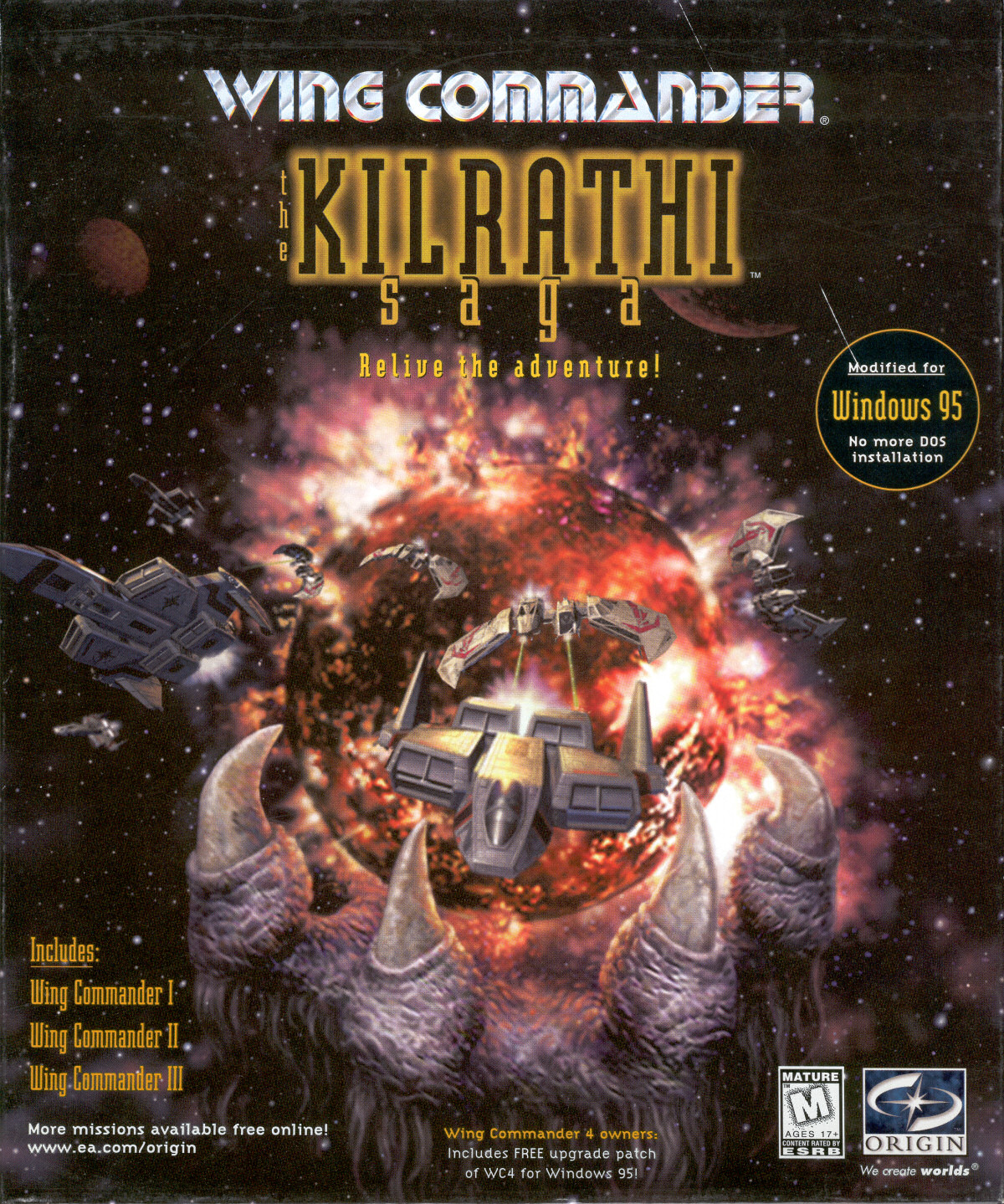
Add The Secret Missions to PC Gamer Kilrathi Saga
It's been a month since we've been able to post the PC Gamer version of Kilrathi Saga WC1, and lots of Wingnuts have played through the Vega Campaign. Moving on to The Secret Missions has been slightly trickier, so Madman has posted some helpful instructions:
- Extract the PC Gamer WC1
- Copy all the files from the wckssm12.zip (the Kilrathi Saga Secret Missions 1 and 2 zip file) to the wc1\gamedat folder overwriting where necessary (briefing.002, camp.002, commsm2.dat, install.dat, intro1.dat, midgame.v06, midgame.v07,midgame.v08, module.002,pcship.v05, planets1.vga, series.vga, ship.v19, shiptype.v14, talking1.vga, title1.vga, wingmen1.vga) EXCEPT:
sm1.exe, sm2.exe, transfer.exe, wc1.exe, wing1.exe, sm12inst.exe
- Now copy sm1.exe, sm2.exe transfer.exe into the wc1 folder
- Don't forget to enable Windows 95 compatibility mode on any exe you run
Any lingering compatibility issues should be fixed by Mincemeat's Superpatch or DirectDraw Hack. If you still have questions, hit up Crius.net.
[ChrisReid] [# 10383] [Show comments]
WCPedia Timeline Feature Expanded
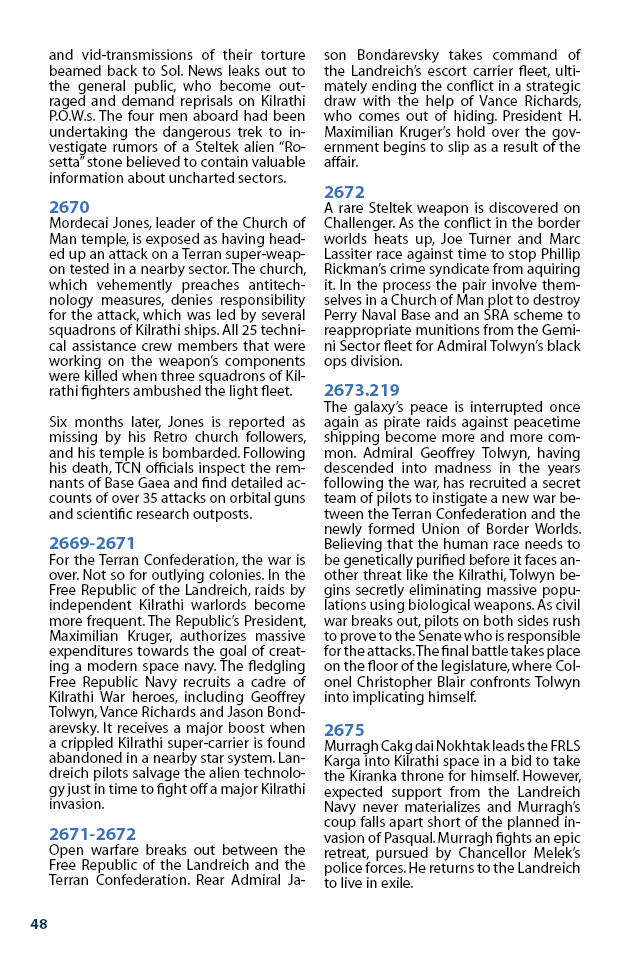
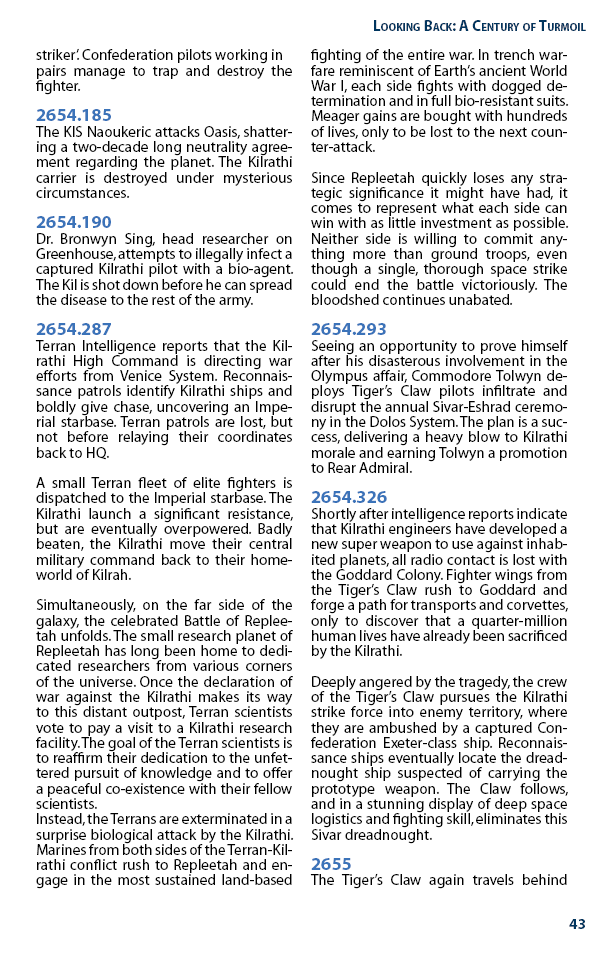
The latest upgrade to the WCPedia is the Easy Timeline Extension. It lets people easily create timeline graphics. Dundradal has set up an example here. Converting the basic timelines from one of the existing Game Manuals would make a great weekend project for a Wingnut looking for something to do. Visit Crius.net to coordinate with other contributors and see what you can do to help.
This allows for the creation of visual timelines. Would anyone be interested in converting timelines into WCPedia? Things like the Voices of War, Victory Streak, Star*Soldier etc to start with? Even doing mini-timelines for certain articles would be great.
This would be a very helpful project and might be pretty fun for someone to take on.
[ChrisReid] [# 10387] [Show comments]
|