Wing Commander Tastes Delicious on Raspberry Pi (September 4, 2013)

ChrisReid

Super Soaker Collector / Administrator
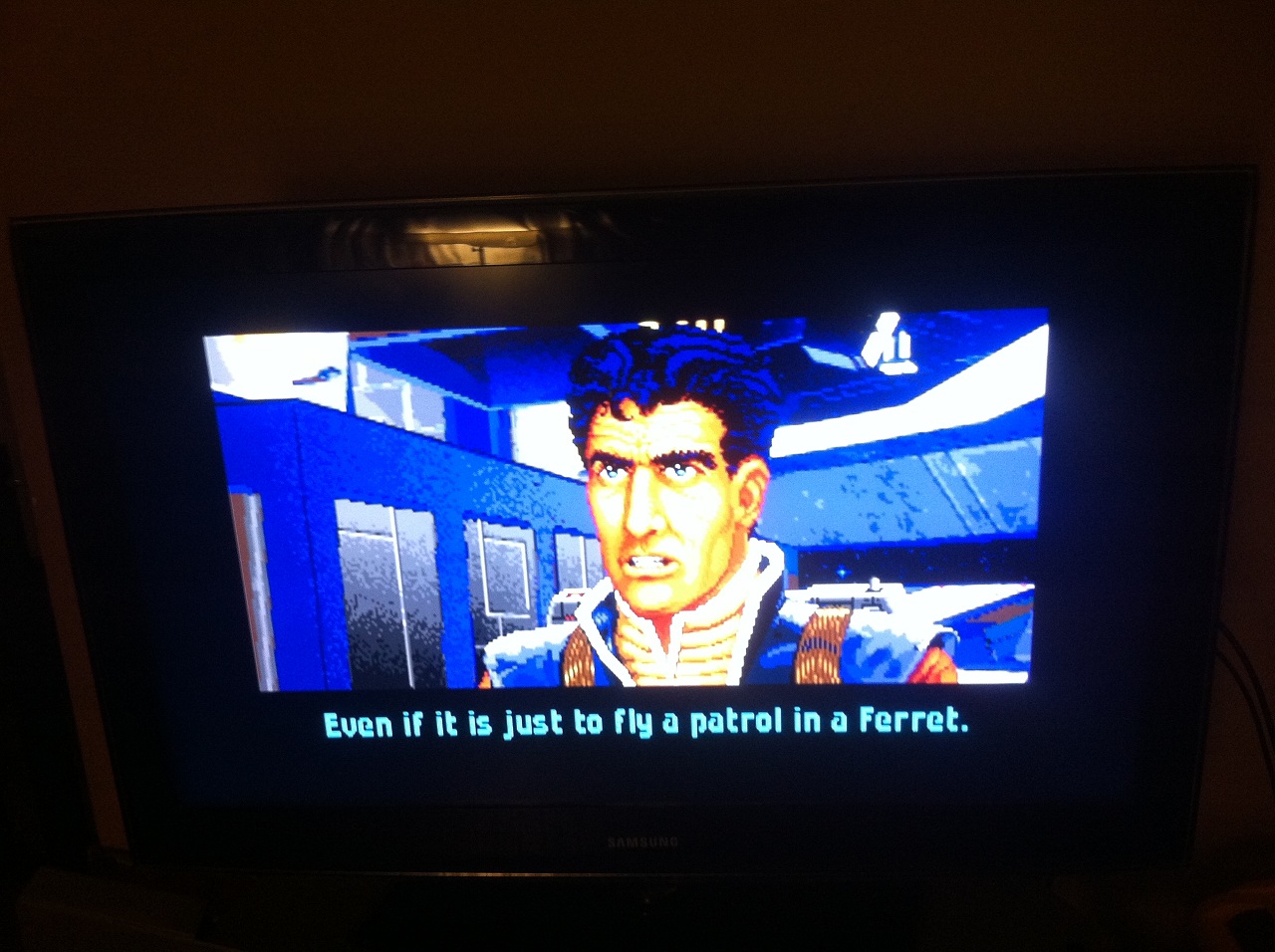
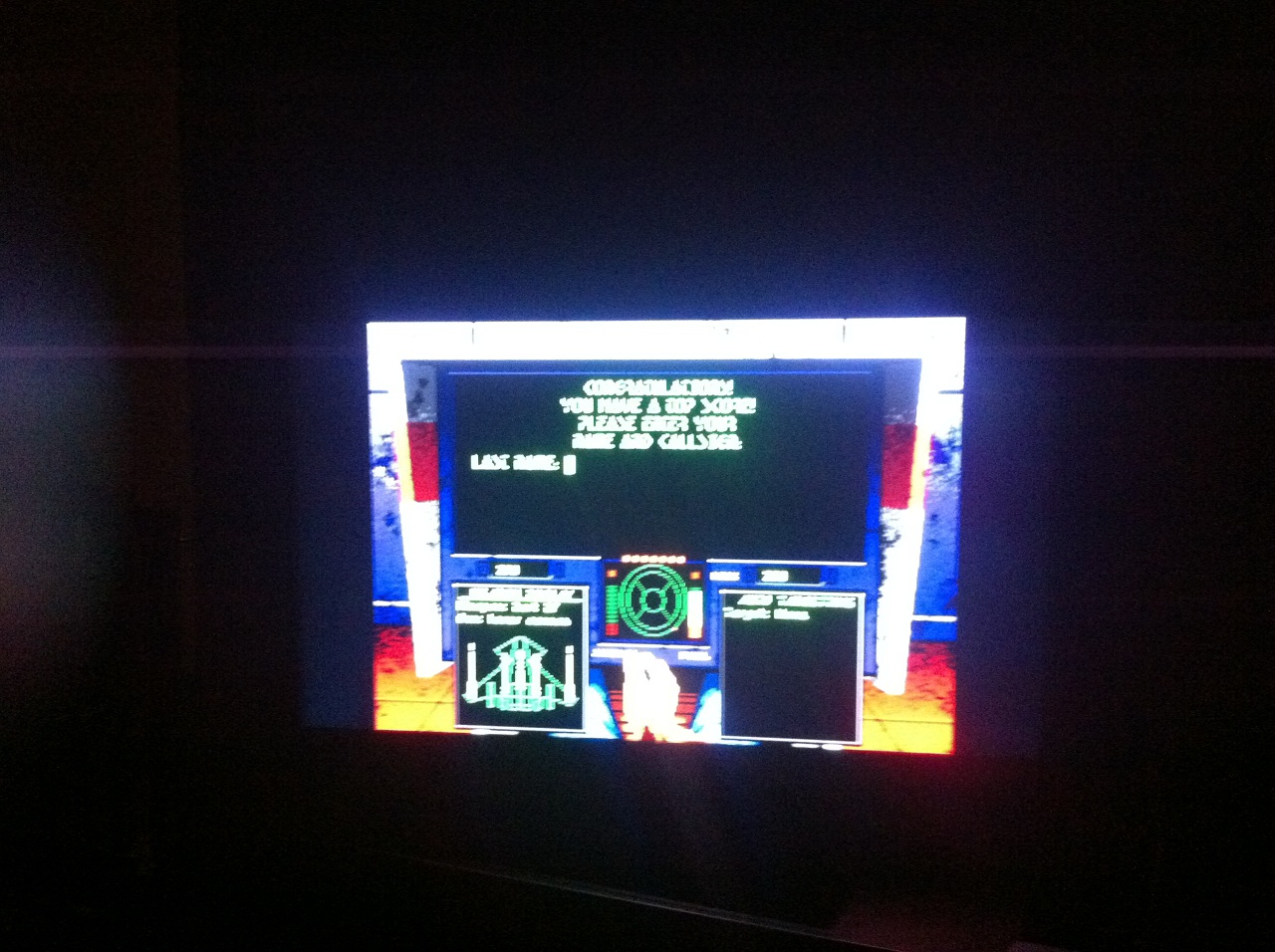
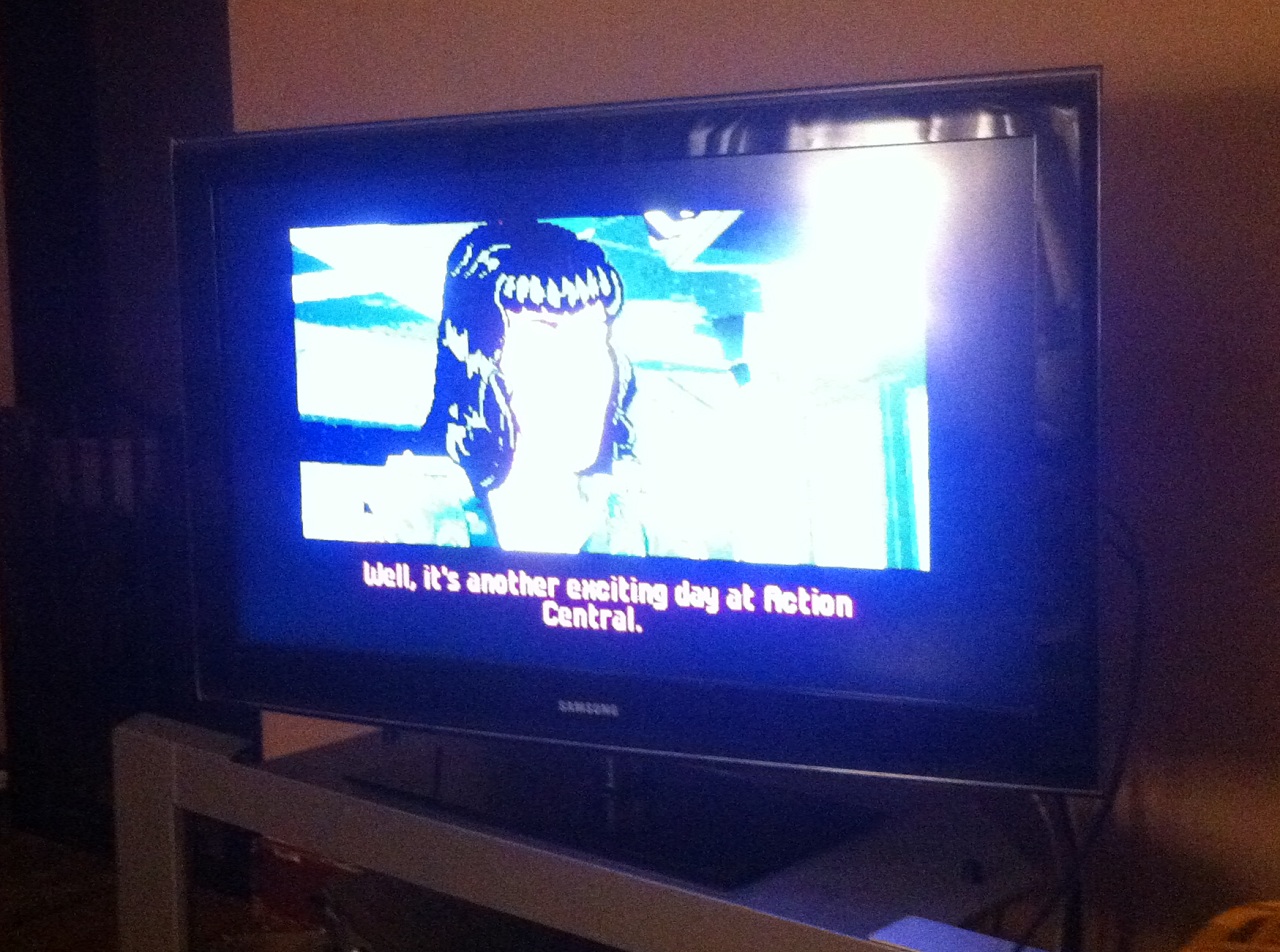
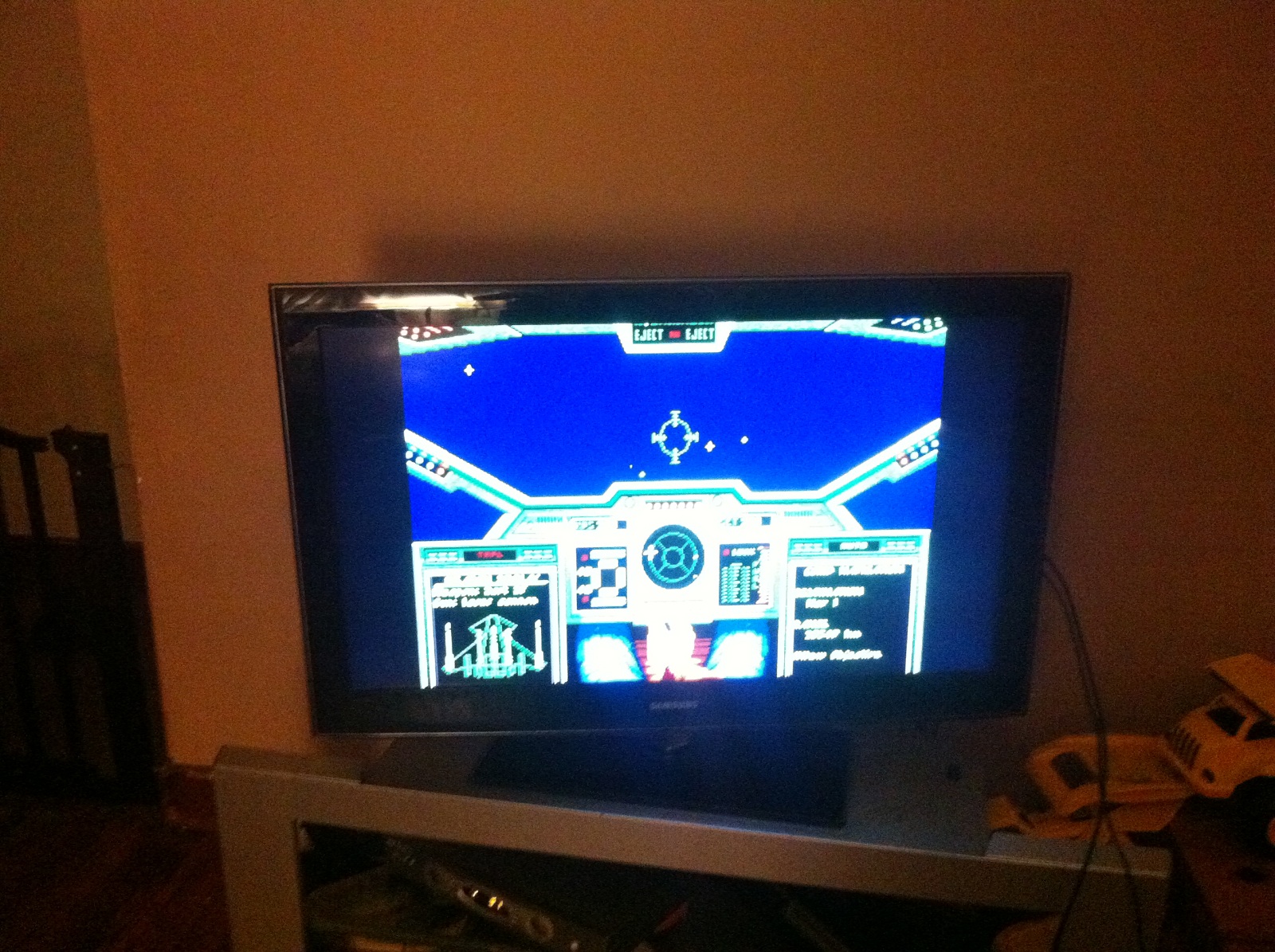
CrazySpence reports successful results attempting to run Wing Commander on a Raspberry Pi. What the heck is a Raspberry Pi? It's a tiny circuit board that functions as a complete Linux computer system after adding an SD card for storage. Specs include a 700 MHz ARM processor, which is apparently potent enough to run the older Wing Commander games via the rpix86 emulator. WC1 actually ran too fast, but a speed limiter program should fix that. WC2 seemed to perform just right. Privateer had some problems which will require additional troubleshooting. As a special treat, the Pi includes an HDMI out, so the little machine makes it relatively easy to hook up to a large television screen. Check out some pics of the games in action below or head over to Philtopia for the full write-up. Hit the Comments link if you have any questions about setting this up for yourself.
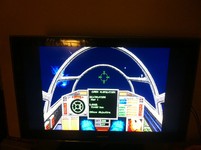

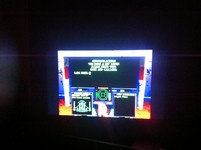



I followed a simple guide for setting rpix86 up and downloaded the software onto my MAME Pi along with the 4DOS.com it recommends for a command interpreter. I also uploaded Wing Commander 1,2 and Privateer to a ?dos? folder I had created to see what this emulator was capable of.

Getting the emulator started was exceptionally easy and it found the 4DOS.com file I had placed in the dos folder with no issue. Using my ancient DOS skills buried deep within my mind I CD WC?d then I CD WC1′d and then I wc.exe?d and voila, I was presented with the Origin FX screen! Unfortunatley WC 1 did not self regulate its speed and it actually ran far too quickly, an issue I had not run into in many years. rpix86 does not seem to have a built in cycle regulator like DosBox so I will probably need to use some kind of cpu limiting program just like the olden days?

Regardless of WC1′s built in fault the emulator clearly worked, I had sound, video and keyboard control so I tried my luck with WC2. The first time through it hung as soon as speech happened so I had to rerun the install.exe and after that all audio and speech worked. This game behaved just as I expected it to, the talking heads were silly fast but game flight was normal speed. The keyboard seems to have an issue with multiple keys being held at once, not sure if this is an emulator or Pi problem.

--
Original update published on September 4, 2013
 
Last edited by a moderator:
The keyboard keys issue will depend on the type of keyboard, USB keyboards usually have problems after 3-6 keys get held down. Some PS/2 keyboards are capable of infinite simultaneous keypresses.
 
That's nice work.

From what I recall of playing WC1 (and maybe WC2 as well) on my old 386, with both an AT keyboard and a PS/2 keyboard with AT adapter, multi-key presses could be an issue. I think Privateer and more recent DOS WC games were okay with multiple key presses. (eg pitch, yaw, firing, simultaneously)

Darkmage has a valid point about USB keyboards, though.
 
My problem with PS/2 keyboards is that they are not hot-pluggable, which means that if your plug ever gets knocked out accidentally (or intentionally because somebody is being a jerk to you), you have no choice but to reboot and lose any progress since your last save.
 
Theory or practical daily work. PS/2 is not hot-pluggable true and doing so may cause hardware damage. However, in my experience it just works fine about 95% of times. Never seen a defect either. So even if not designed to be hot-pluggable it usually works out fine.
 
Yeah, now if only disconnecting the PS/2 plug did not automatically force you to lose your work . . .
 
No, it does not, but when your keyboard is disconnected, and then you put the plug back in, you have no keyboard input at all due to not being hot-pluggable, therefore except for the mouse you have no user input. Aside from what little you can do with mouse only, you thus can do nothing worthwhile without rebooting, since rebooting is the only way to regain keyboard input.
 
As I said - on my PCs it detects the keyboard about 95% of times when plugging it back in.
 
How new is your PC hardware? It may be that you have a PS/2 socket, but the "back end" where the socket connects to the rest of the system is being seen by the system as a virtual USB port or something.
 
It may be dependent on the motherboard. If you disconnect the ps2 cable on my Biostar as long as you can plug it back in the system will pick it up again. TA790GX.

Only problem I have is if it was disconnected at start up. That will require a hard reset (or Windows reset) to make the board see it again.
 
Could be. The newest computer that I have used much that even possesses PS/2 ports was built in the twentieth century--the ability to reconnect may have been added to newer systems. All of my current systems have only USB and Firewire.
 
How new is your PC hardware? It may be that you have a PS/2 socket, but the "back end" where the socket connects to the rest of the system is being seen by the system as a virtual USB port or something.

Worked on my 286 and works on my i7 and every model in between I remeber. I am actually surprised you have different experiences.
 
My experience is the same as that of Whistler's - disconnecting and reconnecting the keyboard has no issue. It's only if the keyboard happens to be disconnected on start-up that a reboot is necessary. But these are on older computers: Pentium 4 and Athlon 64 based systems.
 
Back
Top