New Driver's A Great Excuse To Play Armada (June 16, 2006)

ChrisReid

Super Soaker Collector / Administrator
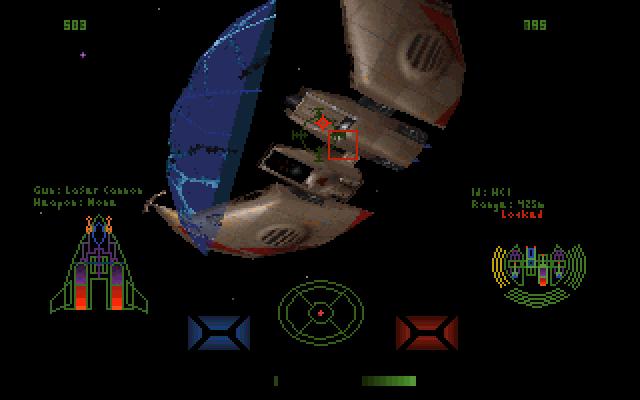
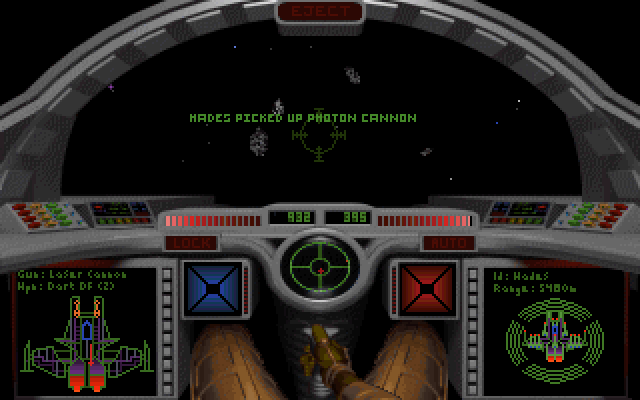
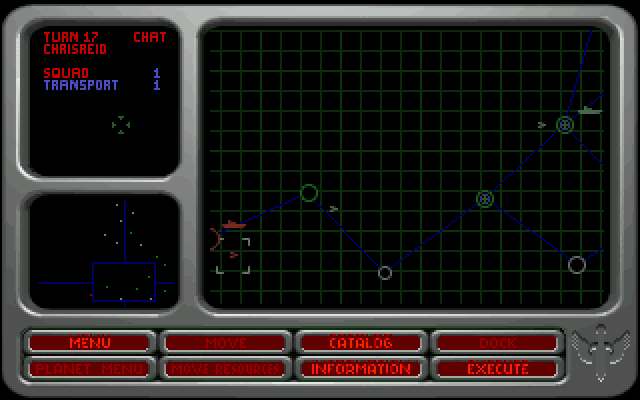
akula65 was digging around the Gravis FTP and found an old file from 1994 that originally bounced between the Origin and Gravis BBSes. Gusgm.drv is designed to work with Gravis UltraSound cards. Adding the -mu switch when loading Armada enables the "Miles Driver." It's neat how files like this are still in circulation, and it's not every day that we add a (semi)official Wing Commander patch to our Files section. The very tiny driver probably has equally small practical use today. DOSBox simulates both the SoundBlasters and Gravis UltraSound boards, so I can see a couple DOS junkies playing around with the alternate music routines. If anything, it'd be great just to see more people playing Armada. The Wing Commander series' original multiplayer game can be played online against other fans, and its strategic mode is a unique WC experience. While fans eagerly await multiplayer in Prophecy, Armada is a great game to practice with.
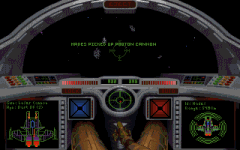

Miles driver for GUS for use in Wing Armada. Use -mu option when running armada. Be sure to have the ULTRAMID.EXE loaded.


--
Original update published on June 16, 2006
 
Last edited by a moderator:
Where do I put the driver file to make this work? Somewhere in the ULTRASND directory or ARMADA?
And for clarification that is

"Armada.exe -mu" to launch?
 
The bump made me test it out using dosbox and in so doing reminded me that I had done before - using my real GUS.
I've no idea how to get it working, i get an error no matter where i stick the driver if i run armada -mu (having run ultramid and set the game to use no audio)

if i set the audio then the game runs but there is no difference that I can tell.
probably it's just to let a real gus use general midi - certainly theres no difference in game using dosbox that i can discern.
 
Aw darn. Had me real excited when I came across this. I guess I can go badger the dosbox guys to make the emulated Gravis Ultrasound take over General Midi like you say but I doubt it will happen. Though did you create a Ultrasound folder and install all the software in there, then tell dosbox where it is? If you did, then your in the same boat as me, which is, with this particular game it doesn't work.
 
ultramid is a TSR, you need to run before you launch the game(lots of games put it in batchfiles)

Usually included in the games own folder at the time, i want to play all the original games set up correctly using the Xport series of emulators, and I have GUS adressing issues as well(x-wing deluxe and tie fighter original release run through mega-em(a roland emulator), and DosXbox crashes when i load a game.
 
oh mega em is a roland emulator? That is very neat. That would then "possibly" work for a lot of wc games then wouldn't it?
 
I looked into it. Apparently dosbox's emulation isn't complete and therefor megaem can't work. Shame too. I cant even get it to work with WC3 (a supported game) all though Ive gotten it to work with all other supported games. A real pity :'(
 
If you want to use GUS music, you will need to have a full sampleset(the GUS itself has no sounds in memory, but loads them from a standard sampleset on the harddrive, or the one supplied with the game into the card's memory. If you do not have the samplesets supplied with the GUS, it can't playback midi music at all.
 
as stated a massive amount of work is needed to get ALL the gus drivers installed and get megaem working - (so i just save the installed folder ;)).

Yes I did use ultramid etc and have a fully installed system (I have a real gus at home) but to no avail.

on another note, megaem pre version 1.3 i think was just a midi emulator allowing roland and adlib support. after that it took over the roles of sbos as well which was a sound blaster and adlib emulator (though the midi side was poor!)tis useful but frankly provides minimal benefit over using dosbox's native support for a sound card. basically unless the game supports the gus, its more hassle setting it up than it's worth!
 
Yah I followed the directions and installed all the patches manually. (not to the letter as far as directories go as he got a little confused when writing it, but the general gist) The folder that you install comes out to 16mb the full. The one after installation comes closer to 20mb so i think some stuff is missing idk. It really isnt as long as it looks. Either way be sure to get the modified percussion patches on the next page as the snare drum seems to loop indefinitely.

Still, megaem simply doesn't work with the emulated card though, and your right clearly a huge hassle. Ah well it was all fun to play with and supported games work great except WC3 which claims it cant initialize it as a music card. :(
 
Yah I followed the directions and installed all the patches manually. (not to the letter as far as directories go as he got a little confused when writing it, but the general gist) The folder that you install comes out to 16mb the full. The one after installation comes closer to 20mb so i think some stuff is missing idk. It really isnt as long as it looks. Either way be sure to get the modified percussion patches on the next page as the snare drum seems to loop indefinitely.

Still, megaem simply doesn't work with the emulated card though, and your right clearly a huge hassle. Ah well it was all fun to play with and supported games work great except WC3 which claims it cant initialize it as a music card. :(

wc3 was a swine with a real gus as i recall - i think you may need to run the ultrasound installs autoexec batch to get it to run properly in some stuff. it sets up the patch folder, also maybe run ultrinit.
 
I'm not sure what autoexec.bat your talking about. Was that included with the software somewhere?

I tried launching ultrinit before launching wc but no dice

I also tried setting dosbox to the default values for the Address to 220 the IRQ to 11 and DRM to 1 that wc3 seemed to want but no dice either.
 
you neet to use the set ultrasnd and set ultradir variables as well.

I never had a problem running Wc3 and Wc4 with the original and cloned GUS cards.. (I have had three different versions of the card over the years)
 
There got wc3 working at least. You have to run WC3GRAV.BAT so it will load the GUS patches before launching. Then you can select the GUS as a music card.


Haha, you guys are giving me all the technical advice and here I am failing at the basics :)

I'm starting to think that I generally prefer to have Sound blaster 16 take care or the general Audio. I think it's better for that or at least the emulation has separate left and right channels when playing. Gravis doesn't seem to do that or at least the emulation doesn't. I certainly haven't noticed an improvement in general audio save a couple of games from Apogee that seem to use separate audio files for the GUS that are of better quality.
 
In it's day the GUS had a -lot- of advantages over conventional soundblaster-alike cards(no background noise, true wavetable synthesys and 3D positional audio and a sound you'd expect from a professional card like a Roland MT-32)

It was the perfect game card for early 90's, and could handle MT-32, soundblaster combo's very well(like in WC2) Still sometimes it was an awfull card to configure.
 
Back
Top