Don't Fear Upgrading Windows (June 11, 2006)

Cpl Hades

Mr. Kat
With the public preview of Windows Vista beta 2 now available, we took the opportunity to test its compatibility with various WC games. The findings are quite positive with Windows XP suffering many of the same problems, and almost all of them have a solution.


  • Kilrathi Saga WC1/WC2 - The games start, but the graphics are distorted making the game unplayable. This is quite likely to be an issue with the PC's graphics card driver being unable to switch to 320x200 resolution since I had much the same issue with XP. I haven't found a solution for this as of yet, but with DosBox now able to run the DOS versions so well, this could be considered a minor problem.
  • Kilrathi Saga WC3 - Running the game straight after installation produces a problem with the wrong colors being displayed, but setting "Run in 256 colors" and "Run in 640x480" in compatibility mode options solves this, making the game perfectly playable.
  • Wing Commander 4 Windows - Installation proved a problem with the DOS mode installer refusing to run in Windows and DosBox crashing, but fortunately I found an old installation on my hard drive. Using that, the game itself ran with no issues.
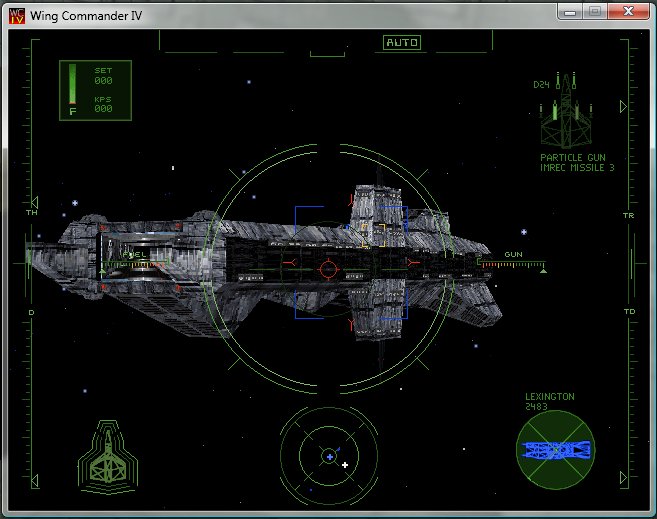
  • Wing Commander 4 DVD - Tested with Gulilkoza's patch to run the game without a DXR board, and with the game set to Windows 98 compatibility mode. No problems at all.


  • Privateer 2 Deluxe Windows - The installer's colors were mixed up unless it was set to run in Windows 98 compatibility mode. The installer also has the well-known "not enough space" error which is fixed by simply creating a c:\dark directory before running the installer. The game also ran too fast until Jonathan Scobbie's speed patch was applied.
  • Wing Commander Prophecy - Tested with the latest version of HCl's high-res patch which will be released with the multiplayer patch. The game ran flawlessly.
  • Wing Commander Secret Ops - Tested with HCl's high-res patch. The version of the patch available for Secret Ops is older than the one used to test Prophecy. SO worked fine, but it was also necessary to set Windows 98 compatibility mode. This may not be required with a more up-to-date high-res patch.
So there you have it. You can play virtually everything current XP systems allow, which includes almost every Wing Commander game. Unless something major changes between now and release, there is no reason for anyone not to upgrade to the full version of Vista. Other than it not actually offering any major advantages over XP that is.

--
Original update published on June 11, 2006
 
Last edited by a moderator:
I'm curious to know how you found the beta for running non WC software designed for XP. I'm tempted to try the beta, having an athlon 64. Also did you need to reinstall any of the WC games first? Or was it just a matter or resetting up compatability modes and such? I've heard about install incompatability problems with things like nero7 for example.
 
D'oh ! It would seem that years of forums reading didn't improve my second language as much as I would have liked too ! Re-reading the sentence now I see I misunderstood it, silly me :p

I have juste installed the beta on a lab PC at job, and I'll test various software on it in the next days. I'll tell you how it performs later this week if you want.
 
PopsiclePete said:
D'oh ! It would seem that years of forums reading didn't improve my second language as much as I would have liked too ! Re-reading the sentence now I see I misunderstood it, silly me :p

I have juste installed the beta on a lab PC at job, and I'll test various software on it in the next days. I'll tell you how it performs later this week if you want.


:) That would be good... though I ran into a curious problem after burning the ISO to a DVD. CAn you not install the 64 bit version directly from XP (32bit) or are the different downloads for installing it in 64 or 32 bit XP? So with a 64 bit processor do I still download what it calls the 32 bit version? My PC tells me that the setup file within the ISO is not a valid win32 aplication.... I'll look and see what MS' site says.
 
Vista 64bits and 32bits versions are downloaded separately. And no, you cannot upgrade from a 32bits to a 64bits Windows (XP or Vista, same behaviour). You'll have to either boot from the 64bits version DVD and make a full install or download the 32bits version to upgrade your current 32bits WinXP to Vista.
 
PopsiclePete said:
Vista 64bits and 32bits versions are downloaded separately. And no, you cannot upgrade from a 32bits to a 64bits Windows (XP or Vista, same behaviour). You'll have to either boot from the 64bits version DVD and make a full install or download the 32bits version to upgrade your current 32bits WinXP to Vista.


Had some PC trouble... so Idid some tinkering and noticed just that. When and If I install the beta I just have to make sure my bios is set up to boot from the DVD...
 
Back
Top