Prophecy Multiplayer Scoreboard Implemented (June 23, 2007)

ChrisReid

Super Soaker Collector / Administrator
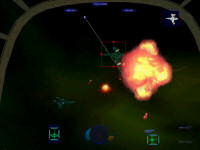
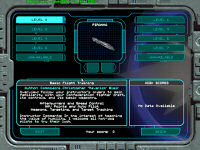
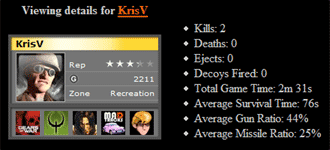
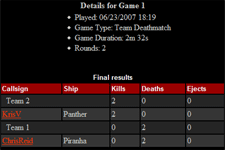
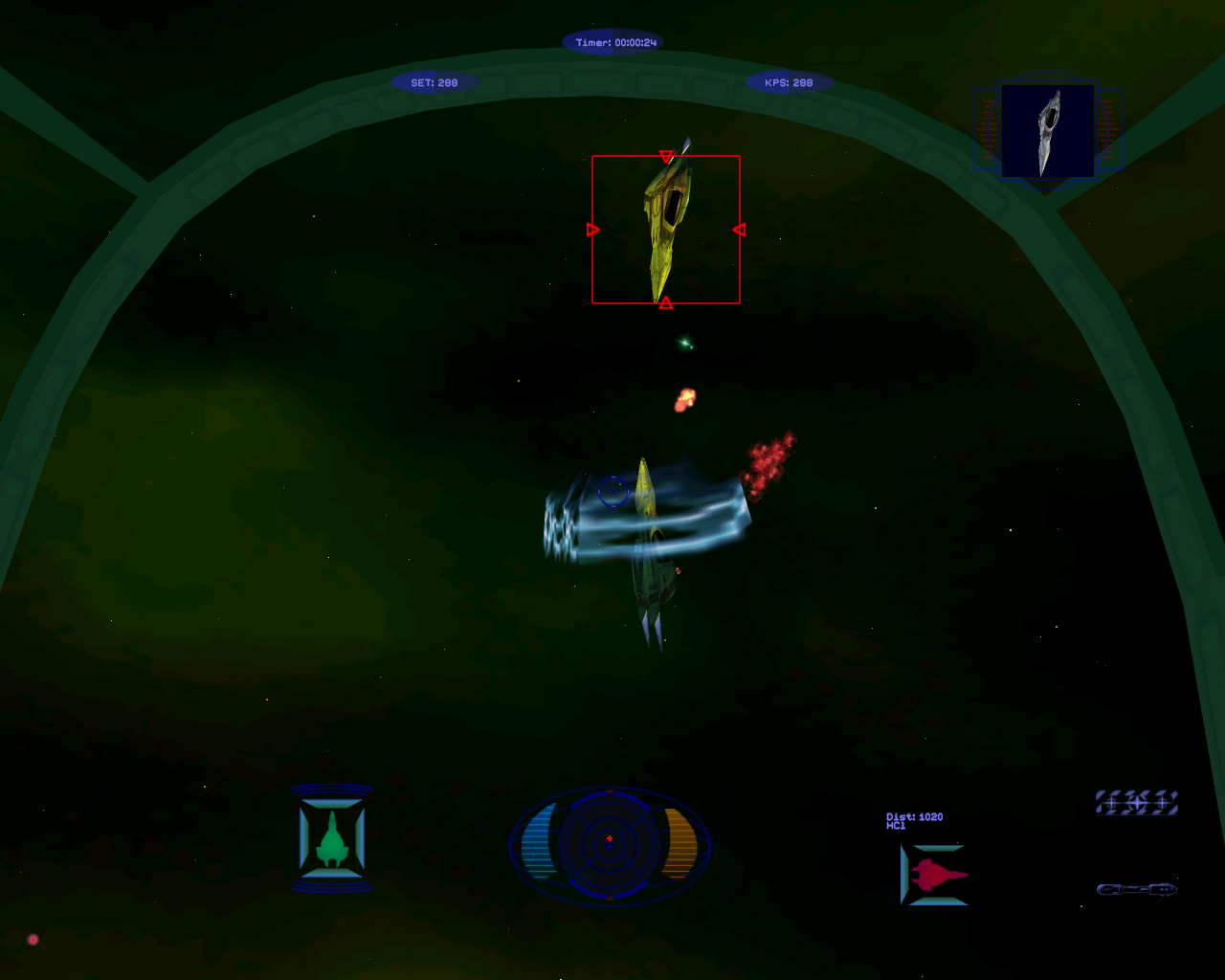
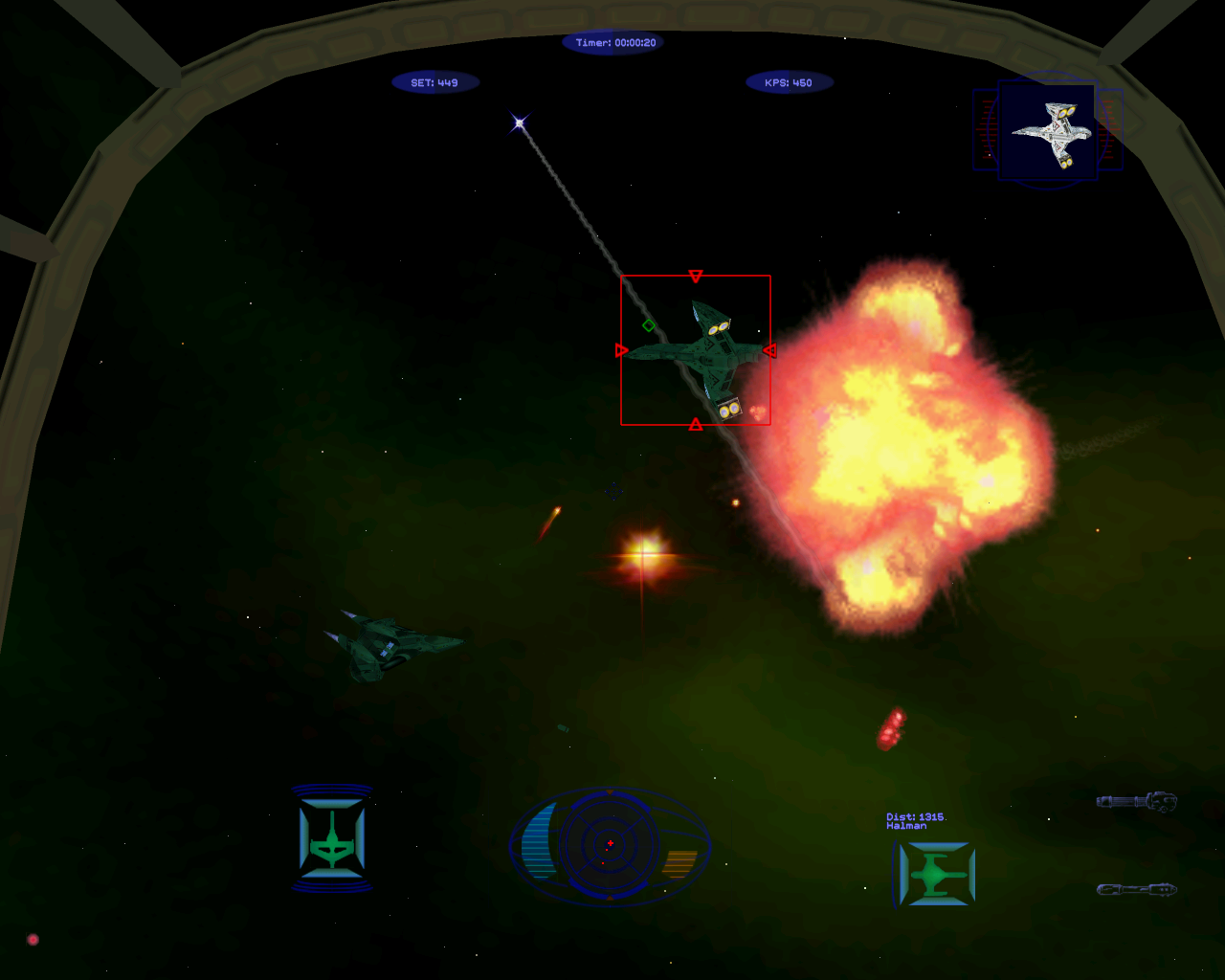
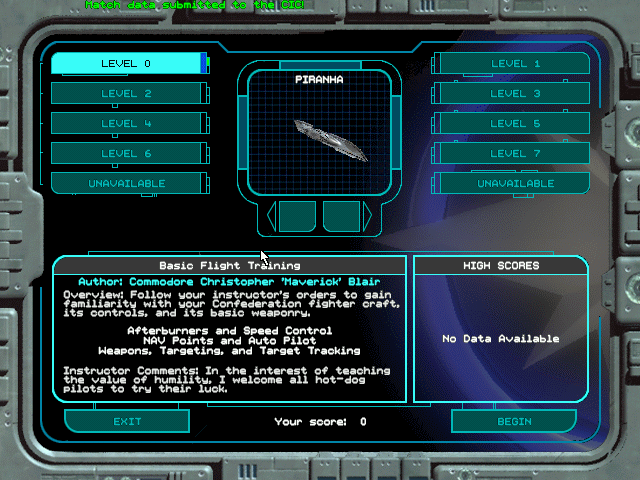
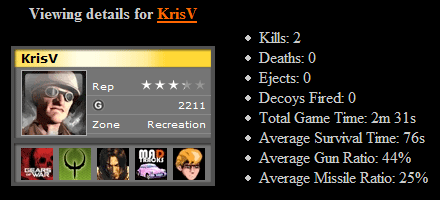
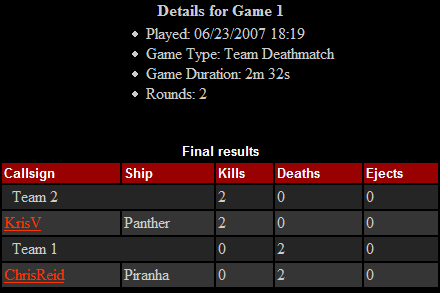
HCl has released the first big update to his Prophecy Enhancement Pack since it added the ability to integrate DVD movies last fall. The program began as a high resolution upgrade and later went on to add multiplayer combat to the game. Today's release now adds scoreboard support! Kills, deaths, ejections, decoys, flight hours, gun accuracy and more are tracked for each round you fly against fellow Wingnuts. Pilot stats are attached to your unique Crius.net account and appear on the new online Prophecy Multiplayer Scoreboard. Now's a great time to take advantage of this and practice for Wing Commander Arena.
Download the Wing Commander Prophecy Enhancement Pack here (1.5 MB). Unzip it to your Prophecy directory, but note that it will overwrite your Prophecy.exe unless you back it up first. The pack incorporates the video skip fix, high resolution upgrade, DVD VOB player and multiplayer patch all together. Install.exe configures the high res patch, and Multiplayer.exe launches the online component. One person runs the game as the server, and everyone else connects to his IP address in client mode. Input a team number and enter your Crius.net username/password when prompted. Be sure port 5555 is forwarding through your router/firewall, and stop by #Wingnut to meet up with other players. Have fun!


--
Original update published on June 23, 2007
 
Last edited by a moderator:
What about support for playing the DVD movies directly from the disc?
 
This is great! I'm definitely going to bust out WCP Gold later and set it up and get some rounds in tonight!
 
Hi guys, I'm new to this WC:P multiplayer... What do I need to get it working?

I only have the original 3-CD game, no DVD or other patches
 
The instructions in the update are for a plain WCP install. All you have to do is extract the zip file.
 
Hi guys, I'm new to this WC:P multiplayer... What do I need to get it working?

I only have the original 3-CD game, no DVD or other patches

you don't need a DVD. You can download the DVD quality prophecy movies from the CIC and the patch makes the game use those instead of the CD movies.
 
Film crashing problem

you don't need a DVD. You can download the DVD quality prophecy movies from the CIC and the patch makes the game use those instead of the CD movies.

I'm having a problem with the DVD movies.

Whenever I go to a film cut, the game crashes. Briefing, conversations, doesn't matter. When I first ran this fix, it ran with no problem and I loved the movie enhancement. But all it's doing now is crashing when going to a movie.

Any suggestions on how to get past this?

Thanks much!
 
I'm having a problem with the DVD movies.

Whenever I go to a film cut, the game crashes. Briefing, conversations, doesn't matter. When I first ran this fix, it ran with no problem and I loved the movie enhancement. But all it's doing now is crashing when going to a movie.

Any suggestions on how to get past this?

Thanks much!

Have you tried reinstalling the patch using the latest version? if that doesn't work you could also try a fresh install of the game too. It's possible something broke along the way...

Another question: Do you happen to have any cyberlink software installed (such as PowerDVD)?
 
Have you tried reinstalling the patch using the latest version? if that doesn't work you could also try a fresh install of the game too. It's possible something broke along the way...

Another question: Do you happen to have any cyberlink software installed (such as PowerDVD)?

Actually, I took the version that has the full pack, but that was dated a year ago(?) Was there a new one I might have missed? I'll try to reinstall what I have as well...school first, though. :-|

I do have PowerDVD, yes. Should I be using a different player instead?
 
Actually, I took the version that has the full pack, but that was dated a year ago(?) Was there a new one I might have missed? I'll try to reinstall what I have as well...school first, though. :-|

I do have PowerDVD, yes. Should I be using a different player instead?

PowerDVD often conflicts with the DVD patches. Sometimes removing PowerDVD is enough to get it working.
 
Back
Top