Play Armada Online! (September 19, 2005)

ChrisReid

Super Soaker Collector / Administrator
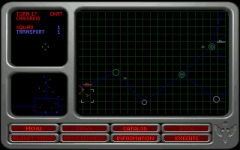
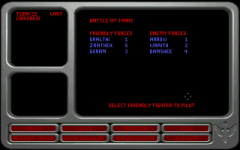
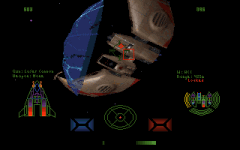
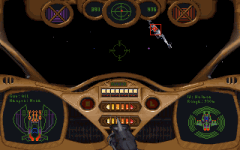
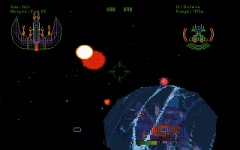
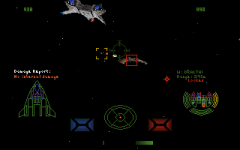
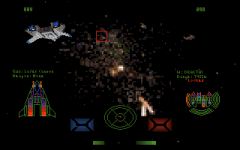
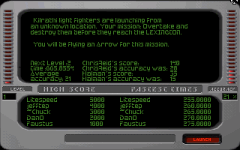
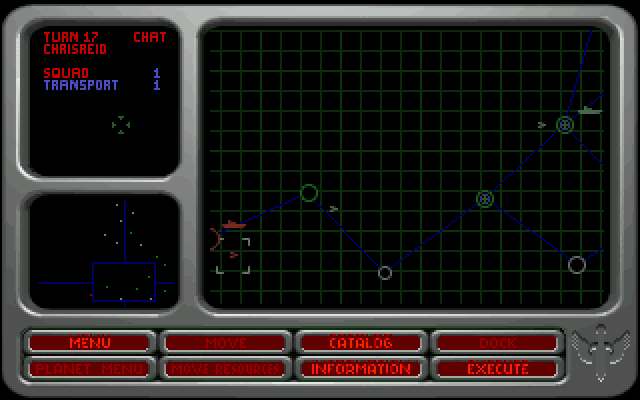
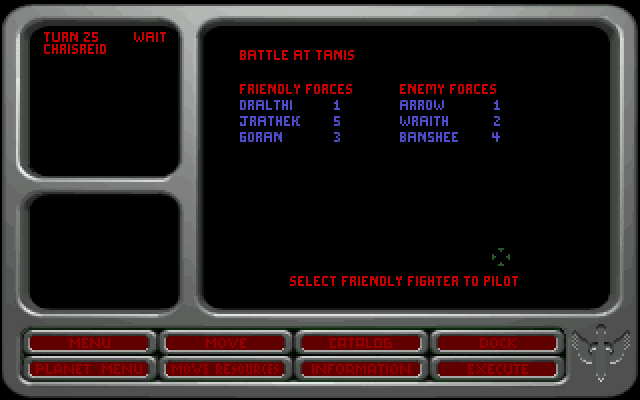
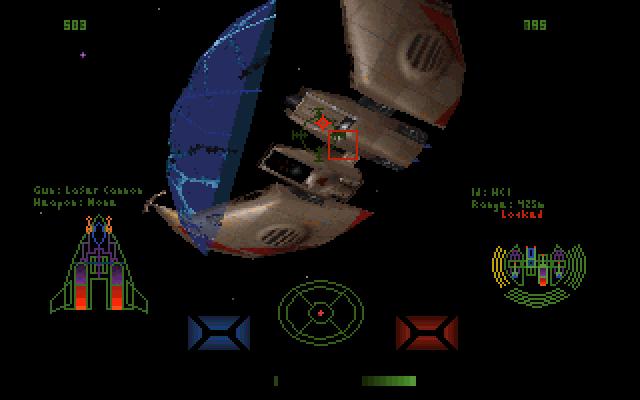
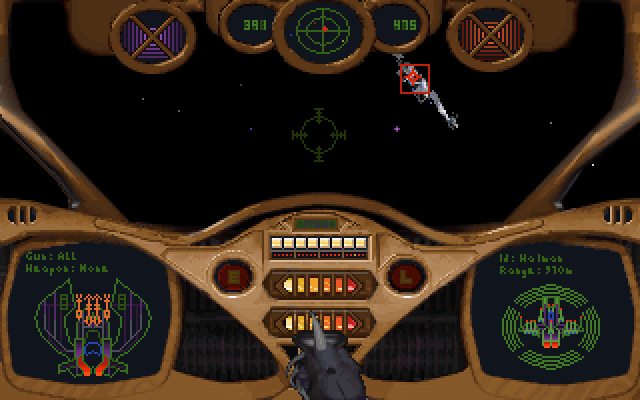
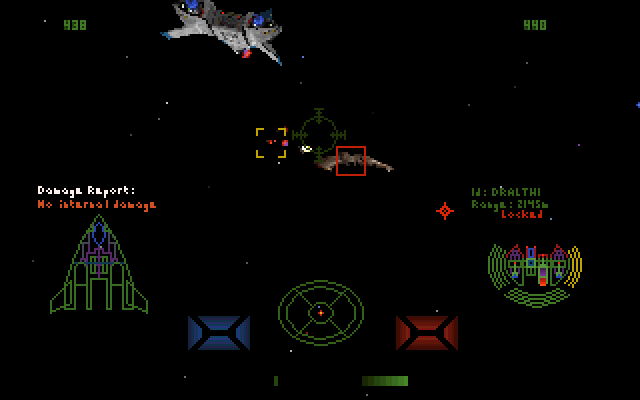
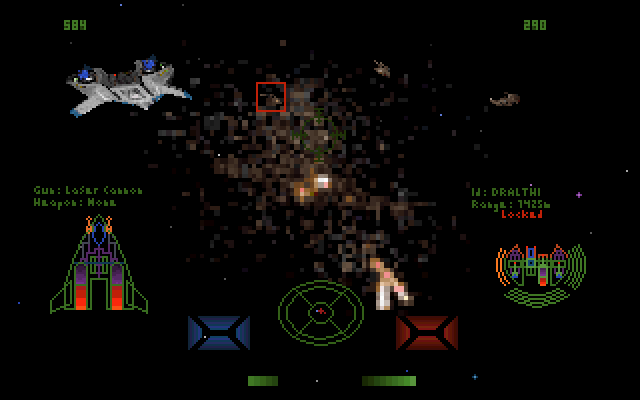
We have some extremely exciting news today. HCl has helped us reach a goal we've been looking forward to for more than ten years. He managed to get Armada Proving Grounds running over the internet earlier this year, but the actual Armada game was a much more difficult process. HCl managed to add joystick support to Armada a few months back, and we've been eagerly anticipating today's announcement ever since. With his modified DOSBox exe, Armada can now be played over the internet against a fellow Wing Commander fan. One-on-one battles, two player cooperative missions and sector-wide strategic campaigns are now available. Here's how to do it.
[*]Download DOSBox and configure it with our walkthrough. To play Armada, expanded memory must be set to ems=false in the dosbox.conf file. ipx=false must also be changed to ipx=true before playing online. Installation varies depending on the version of Armada and specific configuration. Visit our Tech Support Forum if you need further assistance.
[*]Download the joystick/ipx patch (both disk and CD versions of Armada use this one patch) and unzip it into your Armada directory. This will change the execution command from Armada to Armadadb. You should test the game to see if it loads and you can play. DOSBox will probably need to be increased to around 6000 cycles (Control+F12) in order for the game to run smoothly. Calibrate the joystick by pressing ALT+O.
[*]Download the DOSBox netbios patch and unzip it to the DOSBox directory. Back up the old dosbox.exe file, and rename HCL's executable to dosbox.exe. You will use this new file when running DOSBox.
[*]If you have a router, you will probably need to forward port 213 to the computer you'll be playing on. Check the instruction manual or manufacturer's website if you've never done something like this before. The process varies depending on the router's brand. Make sure UDP data is being forwarded.
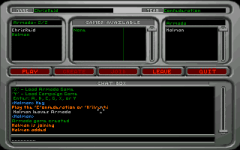
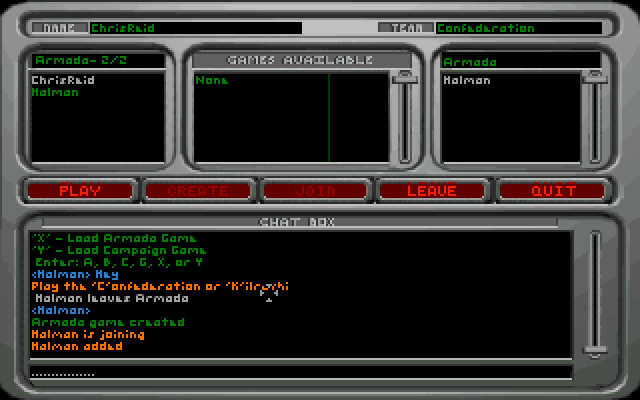
[*]Find someone else to play from the Forums or #Wingnut. One player will have to type "ipxnet startserver" in DOSBox. The player types "ipxnet connect IP" with the IP address of the other player in place of IP. Both players start Armadadb, go to Multiplayer and select Net Play. After inputting callsigns, the players should see each other in the username pane. Use the in-game buttons and commands to select your game type and play!



--
Original update published on September 19, 2005
 
Last edited by a moderator:
Is there an updated version of the net bios version of dosbox. As the newer .72 version of dosbox runs armada allot more smoothly and would be a wrench to give up. Is it even needed? How is it different then a normal version of dosbox?
 
Is there an updated version of the net bios version of dosbox. As the newer .72 version of dosbox runs armada allot more smoothly and would be a wrench to give up. Is it even needed? How is it different then a normal version of dosbox?

I believe the netbios fix is included in the newer dosbox versions
 
No it's not. I click on the multilayer section of the game in .72 and and it says unable to accesses NetBios or something of that nature.
 
No it's not. I click on the multilayer section of the game in .72 and and it says unable to accesses NetBios or something of that nature.

you need to enable it. Go into your dosbox.conf file and change the IPX=false line to IPX=true.

Then, in dosbox, but before starting armada, one of you needs to start the ipx server and the other person connects to it (using your IP address)
One player will have to type "ipxnet startserver" in DOSBox. The other player types "ipxnet connect IP" with the IP address of the other player in place of IP

THEN, you launch the game, once you've set up a match the other player should be able to connect.
 
No all that is enabled and it works fine in HCl's .65 version of dosbox but not the standard .72 build. Have you tried it recently? I use the latest version of Defender which manages all that, and it easy to connect a game, just have to type in the ip address and it puts it in the conf file.
 
I have looked into the matter a bit further on the dosbox forums. There was this alternative a while ago when they were discussing NetBios patches of launching a netbios.exe before you launch the program but after you conect to the IPX server.

http://vogons.zetafleet.com/viewtopic.php?t=9963&postdays=0&postorder=asc&highlight=netbios&start=0

However as, HCl noted, further down, Armada prevented NetBios.exe from receiving IPX packets hence his work on his patch.

But what I wanted to note was that If you did launch this program in dosbox .72 Armada no longer complained about the lack of NetBios, therefor it is definitely not implemented in the main build. :(
 
Asking around I found out that Armada should work fine with .72 and the Netbios.exe utility I posted before. The issue was previous missing IPX functionality in older versions of dosbox. At least it does work with somebody with an LAN test. So there ends my problem.
 
I just tried a LAN game with my brother. And I must say, it works wonderfully!

I strongly recommend that you all do what I did, as dosbox .72 is vastly better then HCl's .65 version. For one thing, you don't have those slowdowns when too much happens on the screen, if you set it right. So you don't have to press ctl-F11 and ctrl-F12 like a madman, which can potentially unsinc your game. And another thing, button configuration is a little more powerful and you can do crazy things like set your z -"twist"-joystick-axis to press the , and . roll buttons! ;)
Though if you do use a joystick, be sure you turn timed=false or even armadadb.exe wont calibrate at all!
Recap
1.Download dosbox .72 (Best to use a frontend like Defender as it makes configuration A LOT easier.)

2. Download netbios_binary.zip from the first post on this thread, http://vogons.zetafleet.com/viewtopic.php?t=9963&postdays=0&postorder=asc&highlight=netbios&start=0
and place NETBIOS.exe and dll files in your dosbox folder. (DO NOT copy dosbox.exe from this folder as it is older and unneeded.)

3. In your armada.conf file, set: core=dynamic, cycles=auto, timed=false, ipx=true, and anything else you might desire.

4. On the very bottom of the armada.conf file, (after [autoexe]) or in dosbox itself type...
mount c [Armada folder dir]
mount b [Dosbox folder dir]
ipxnet startserver OR ipxnet connect [IP adress] (Depending if you are client or host, and host must be up first!)
b:
NetBios.exe
c:
armadadb.exe OR pgdb.exe (Use HCl's patched versions)
exit (I like to put this in .conf files, you don't have too.)

5.Have fun! :)

I'm pretty sure this method will work with any future versions of dosbox as well!
 
I would be sure to use HCl's version of Proving Grounds (pgdb.exe) it has a joystick fix and I think you need it to play internet games via dosbox.
 
Back
Top